PRO: Cultivera Exchange - Mello Sourcing
 Updated
Mello Sourcing in Cultivera PRO (WA Only)
A new "Mello Sourcing" button is now available in Cultivera Pro. Selecting this button launches a new 3-step tool in which a Cultivera Pro customer informs the Mello Team which products they want to source. Submissions are stored for the Mello Team to follow up.
The 'Mello Sourcing' button can be found on the Inventory Management > Manage Menu and Inventory Management > Batches pages:
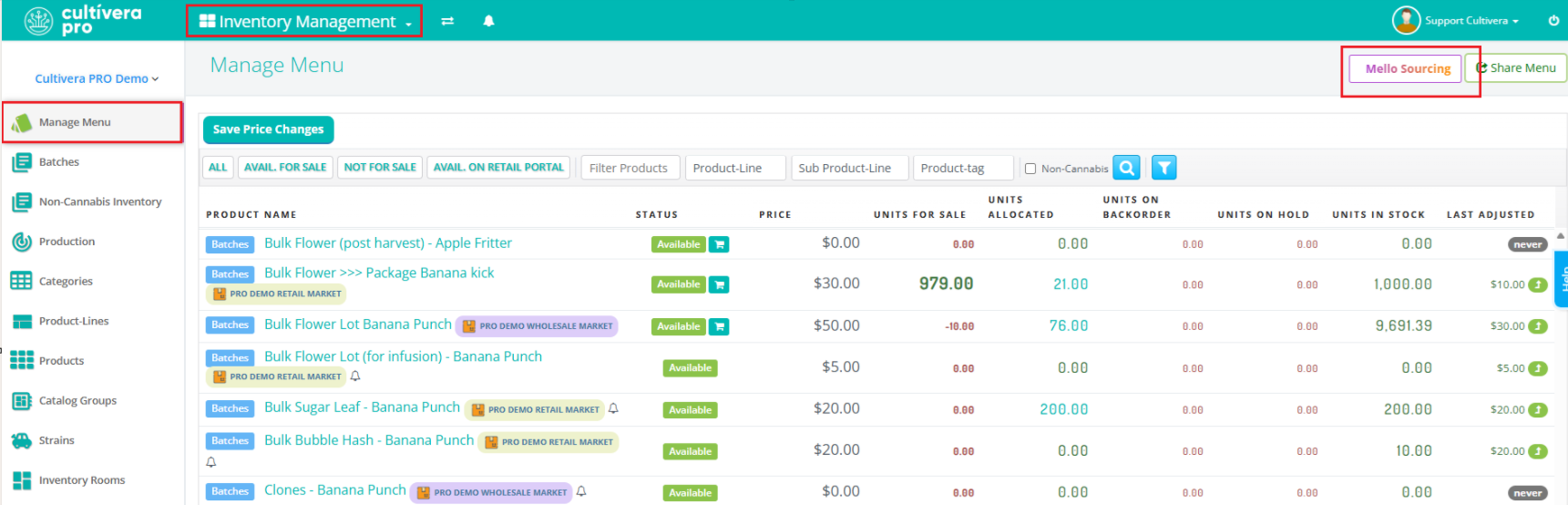
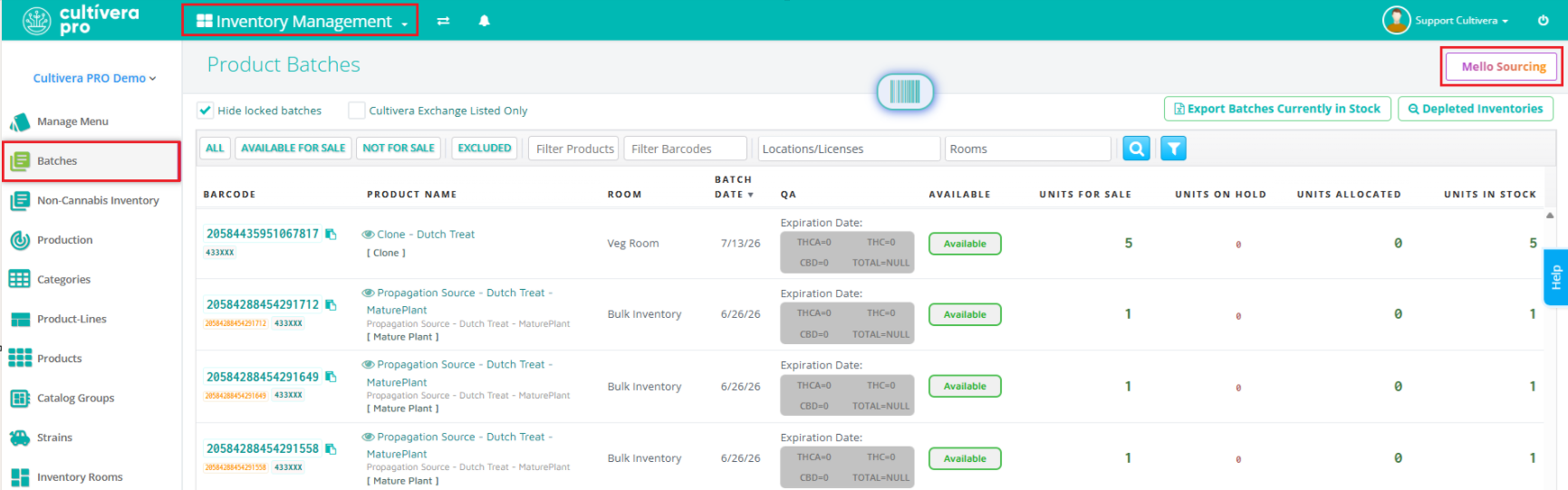
Selecting 'Mello Sourcing' will redirect you to a page where you can select 'Unlock Mello'.
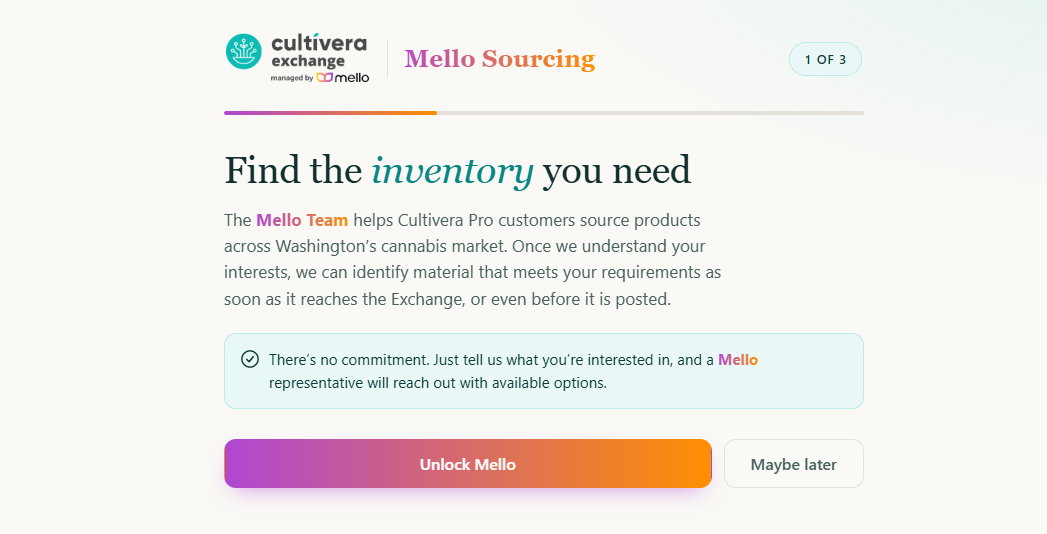
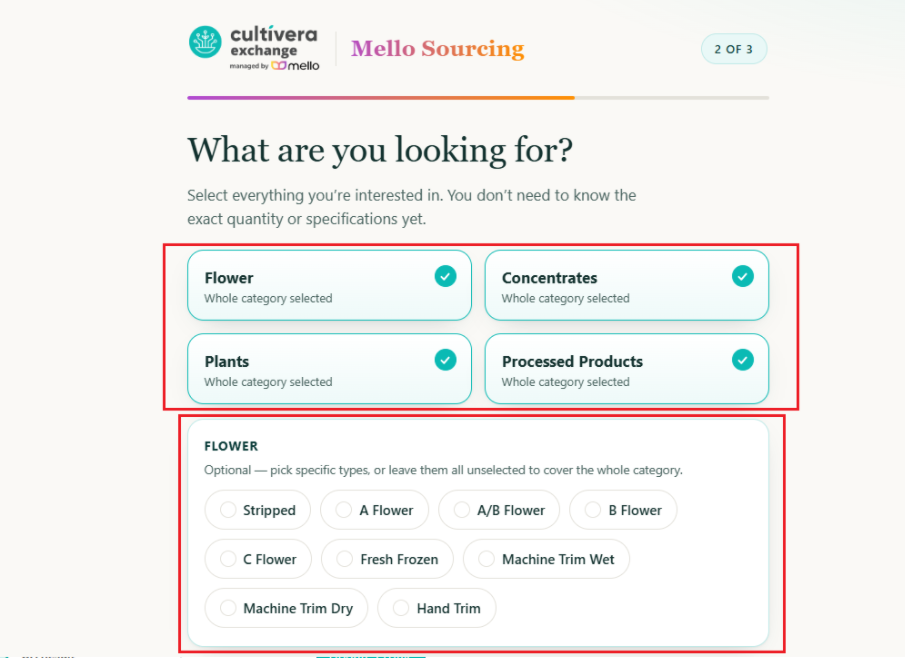
Selecting this option will take you to the next page, where you can specify the products you are interested in purchasing. Select everything you're interested in, and then scroll down to fill out product specifications. You can also enter additional notes at the bottom of the page (if desired), before selecting "Continue":
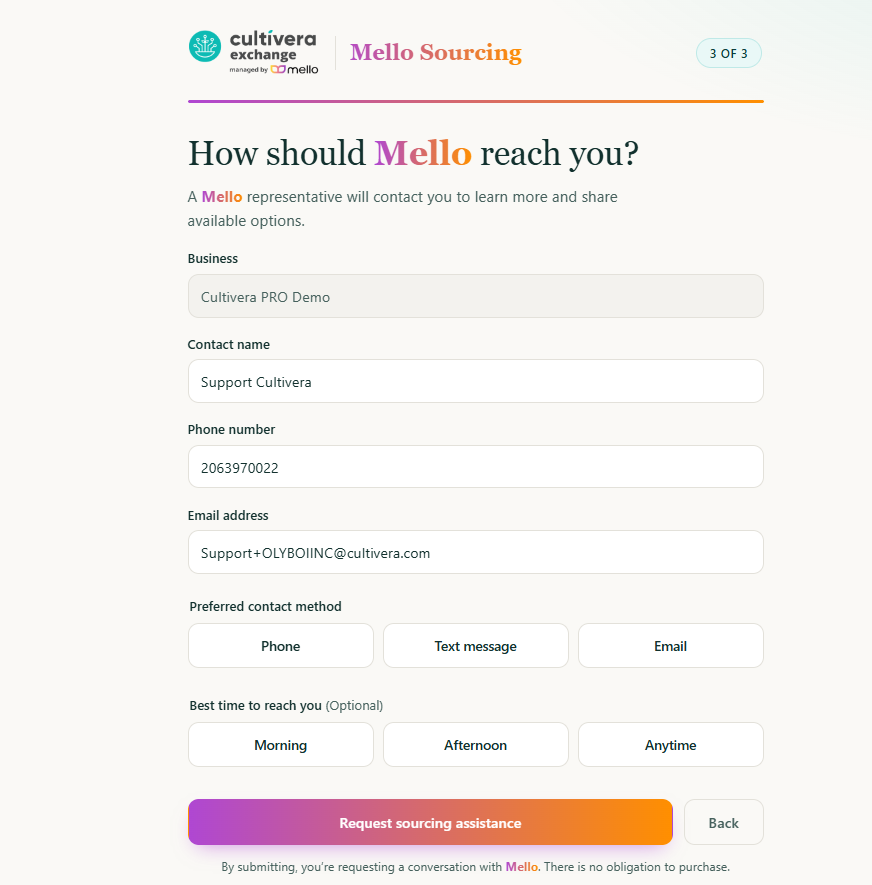
On the last page, enter the intended contact details so the Mello Support Team can reach out to share the available options on Cultivera Exchange:
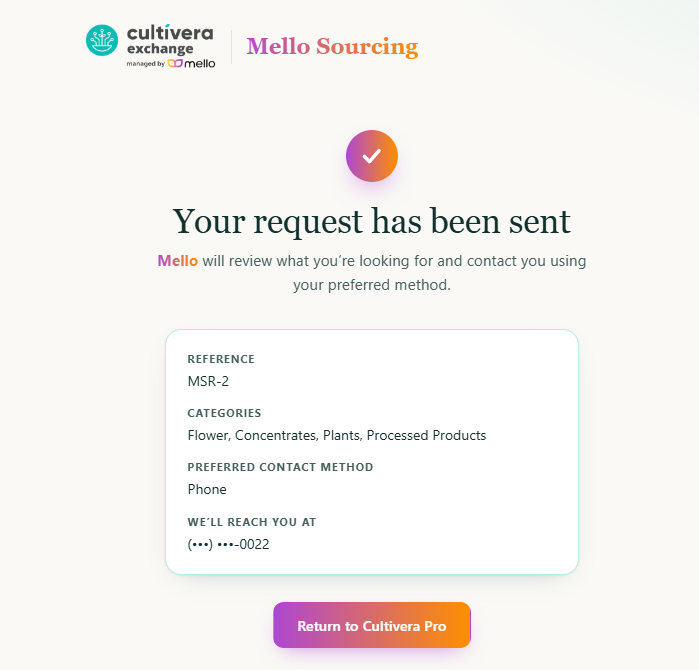
Once the request is sent, you'll receive a confirmation notice on the next page: