PRO (WA): Returning Batches To Direct Parent
 Updated
Return Batches To Direct Parent (WA) Jan 2026
At times you may create child batches, sublots, or conversion batches for processing or to fulfill an order. If any batches are canceled, changed, or created in error, you can return the inventory back to its direct parent batch.
This article explains how to return inventory to its direct parent in Inventory Management > Batches and what to expect once the action is complete.
When to Use "Return to Direct Parent"
Use this option when:
- An order is canceled or adjusted after a child batch was created
- Inventory was split, sublotted, or converted in error
- You need to consolidate inventory back into its original batch
How to Return Inventory to Its Direct Parent
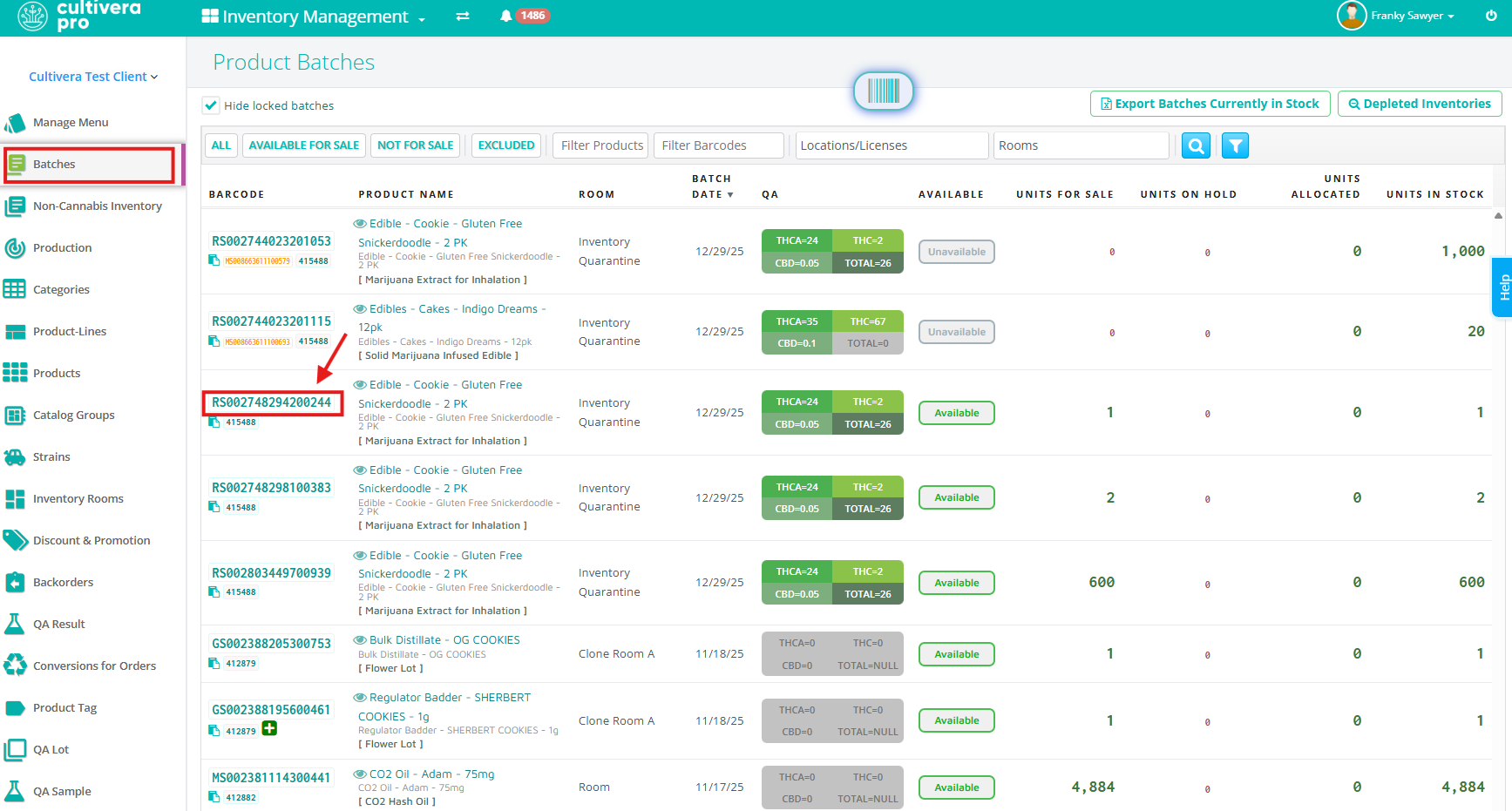
- Navigate to Inventory Management > Batches and locate the child batch you want to return.
- Click the Batch ID to open the Batch Details page.
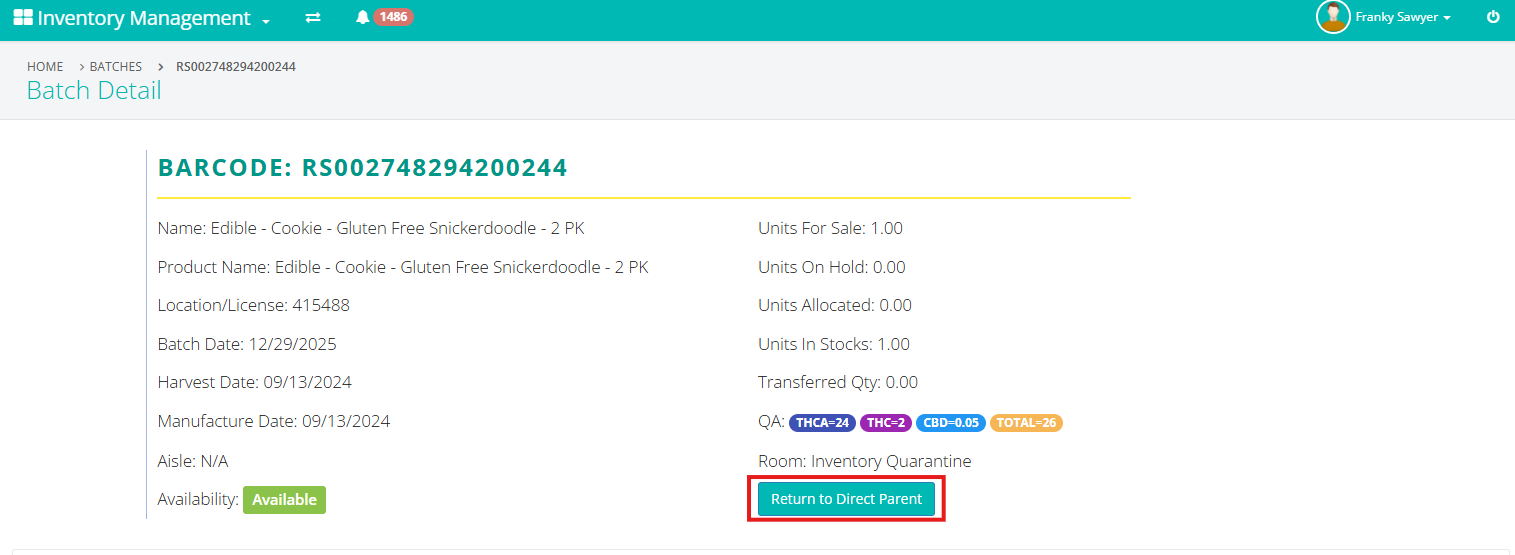
If the batch has a parent, you will see a "Return to Direct Parent" button on the page.
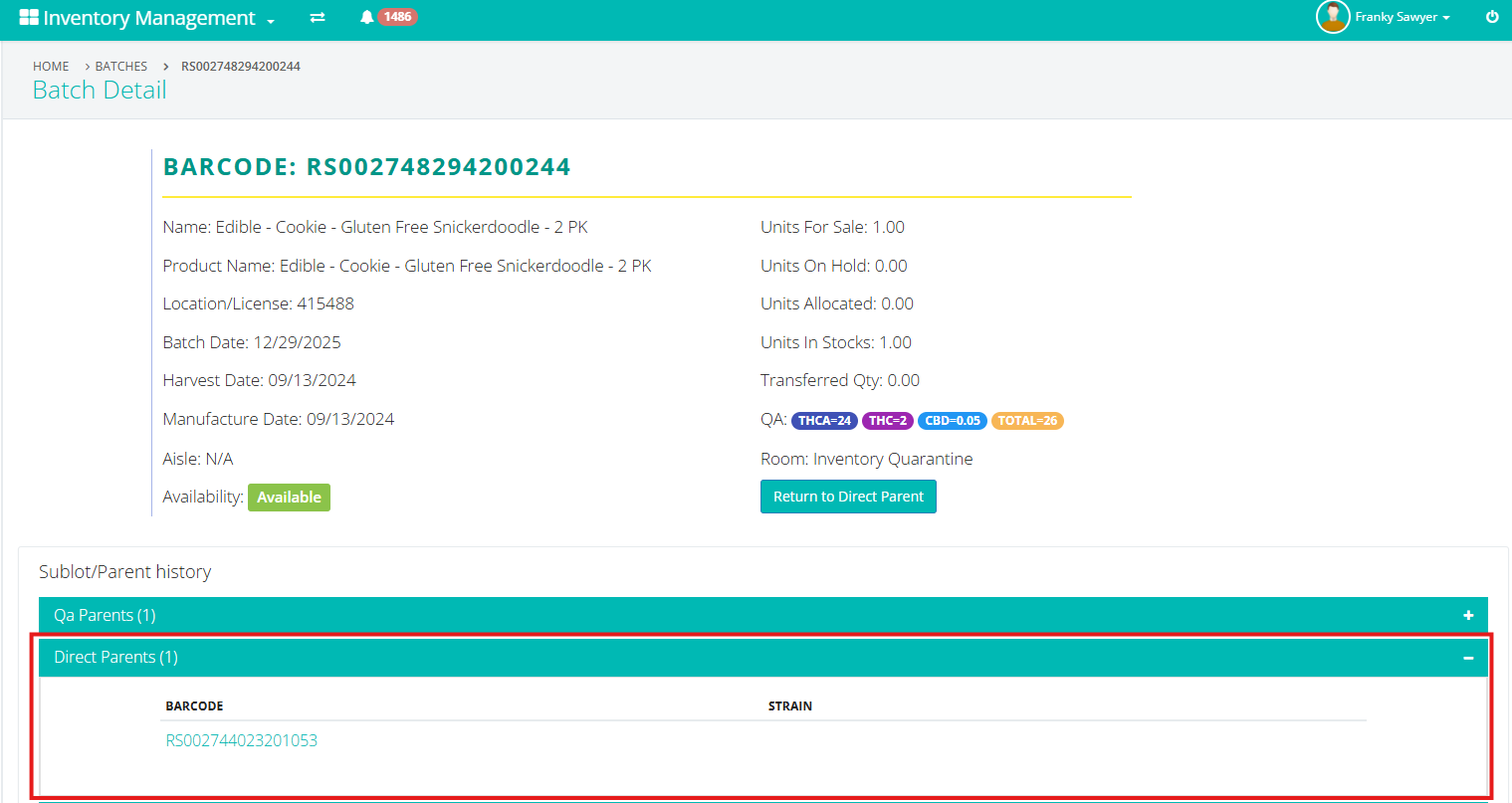
If the "Return to Direct Parent" option does not appear, confirm that the batch was created as a child batch through a split, sublot, or conversion process.
- Click "Return to Direct Parent".
- After clicking the 'Return to Direct Parent" button you will be prompted to confirm you would like to complete the action by clicking 'Continue.'
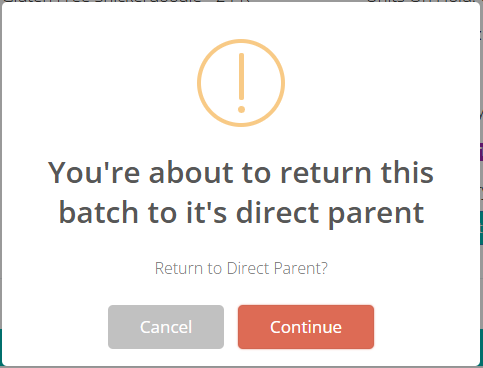
- After clicking the 'Return to Direct Parent" button you will be prompted to confirm you would like to complete the action by clicking 'Continue.'
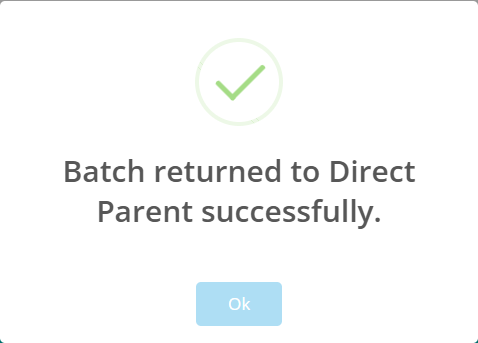
- A success message will appear once the inventory has been returned. Quantities automatically return back to the direct parent batch. Click 'Ok" to proceed.
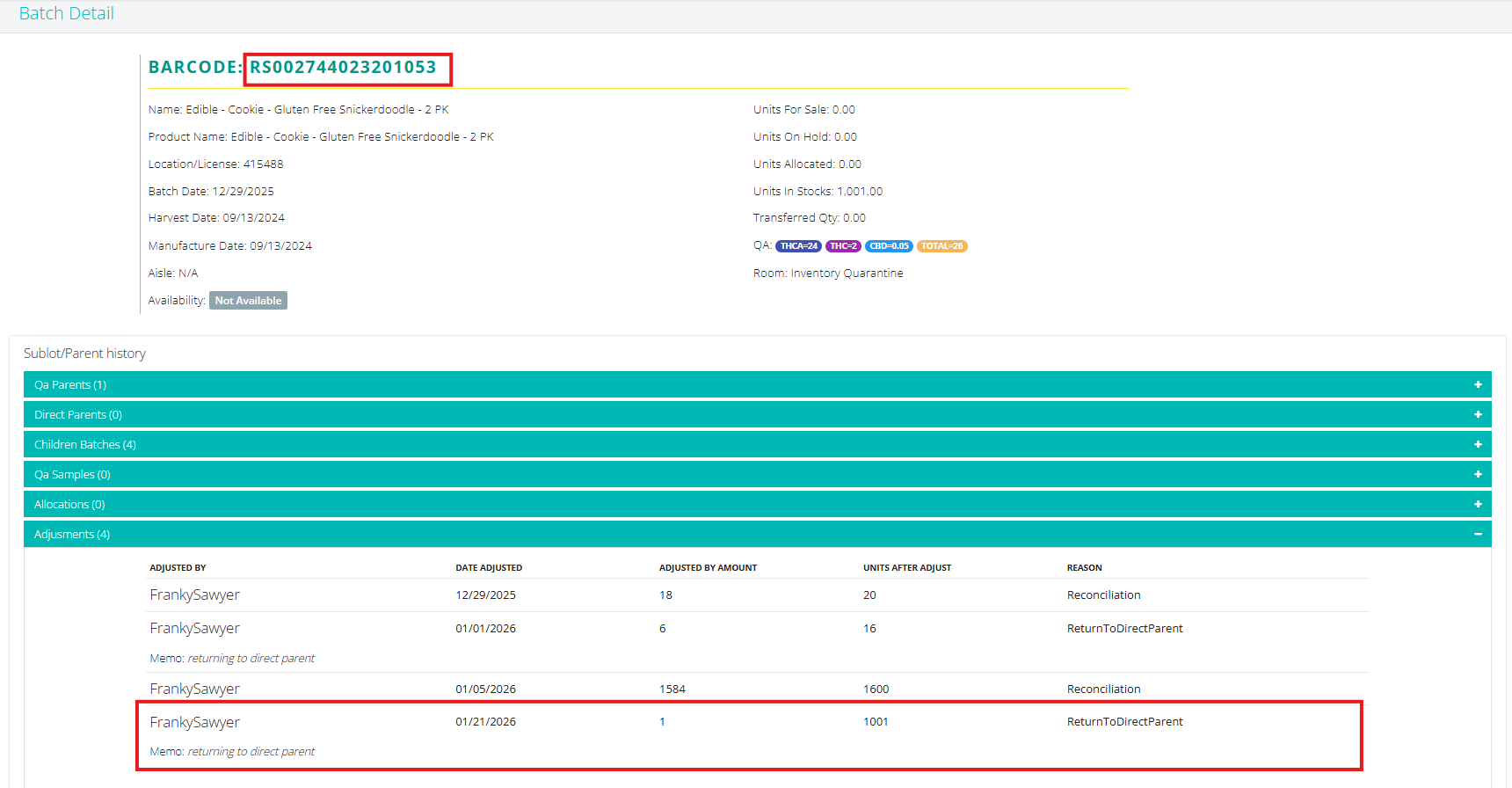
- After the return to parent is completed, the adjustment will be summarized in the direct parent's Batch Details under the "Adjustments" column that says, "Memo: returning to direct parent"