Cultivera Exchange (Buyer): Dashboard Overview
 Updated
Buyer Dashboard
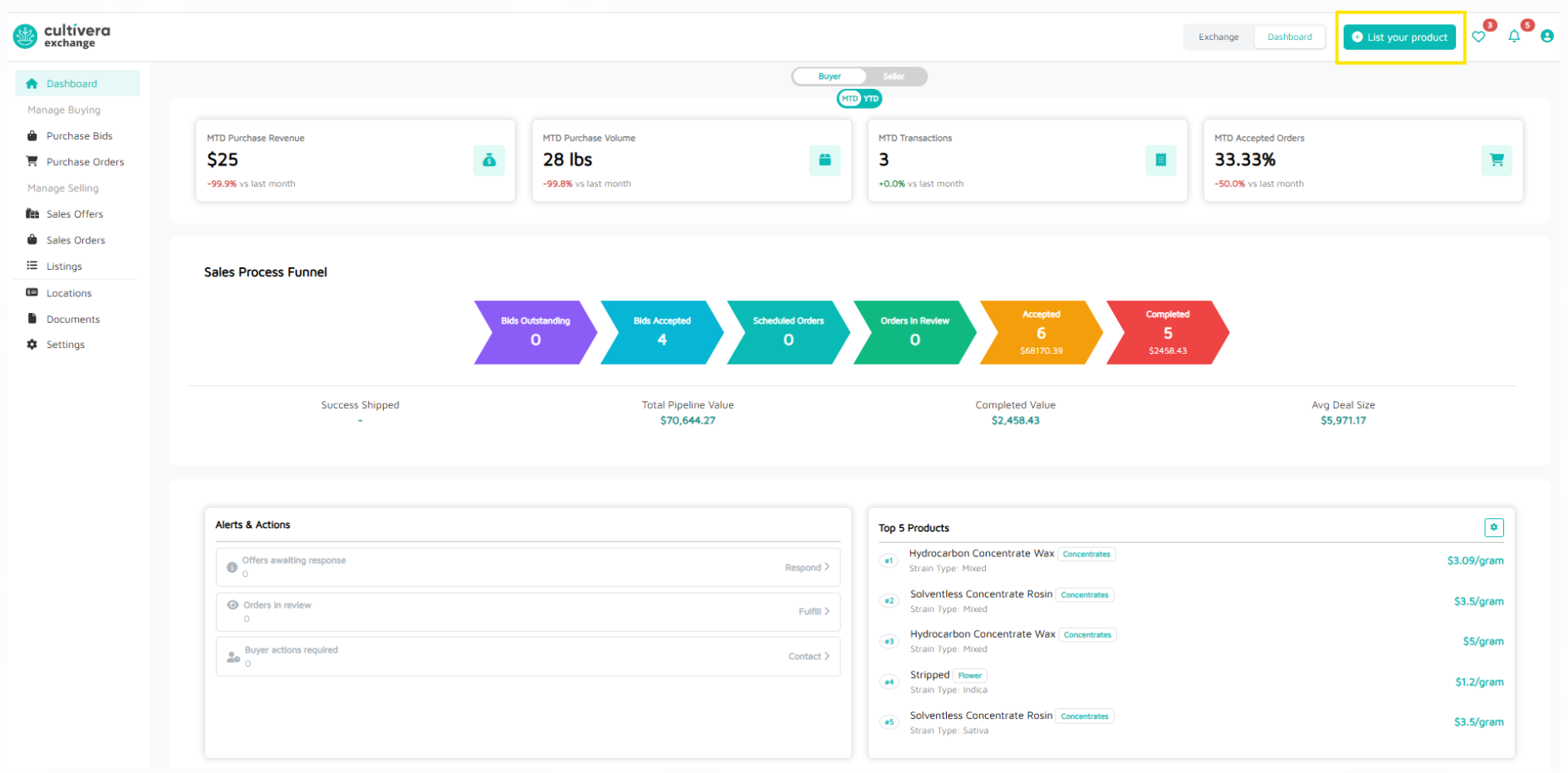
This guide provides an overview of the Buyer Dashboard within the Cultivera Exchange. This page serves as the command center for monitoring purchase revenue/volume, transaction details, and alerts.
The dashboard view can be set to MTD (Month-to-Date) or YTD (Year-to-Date). You can also toggle this board between Buyer and Seller views:
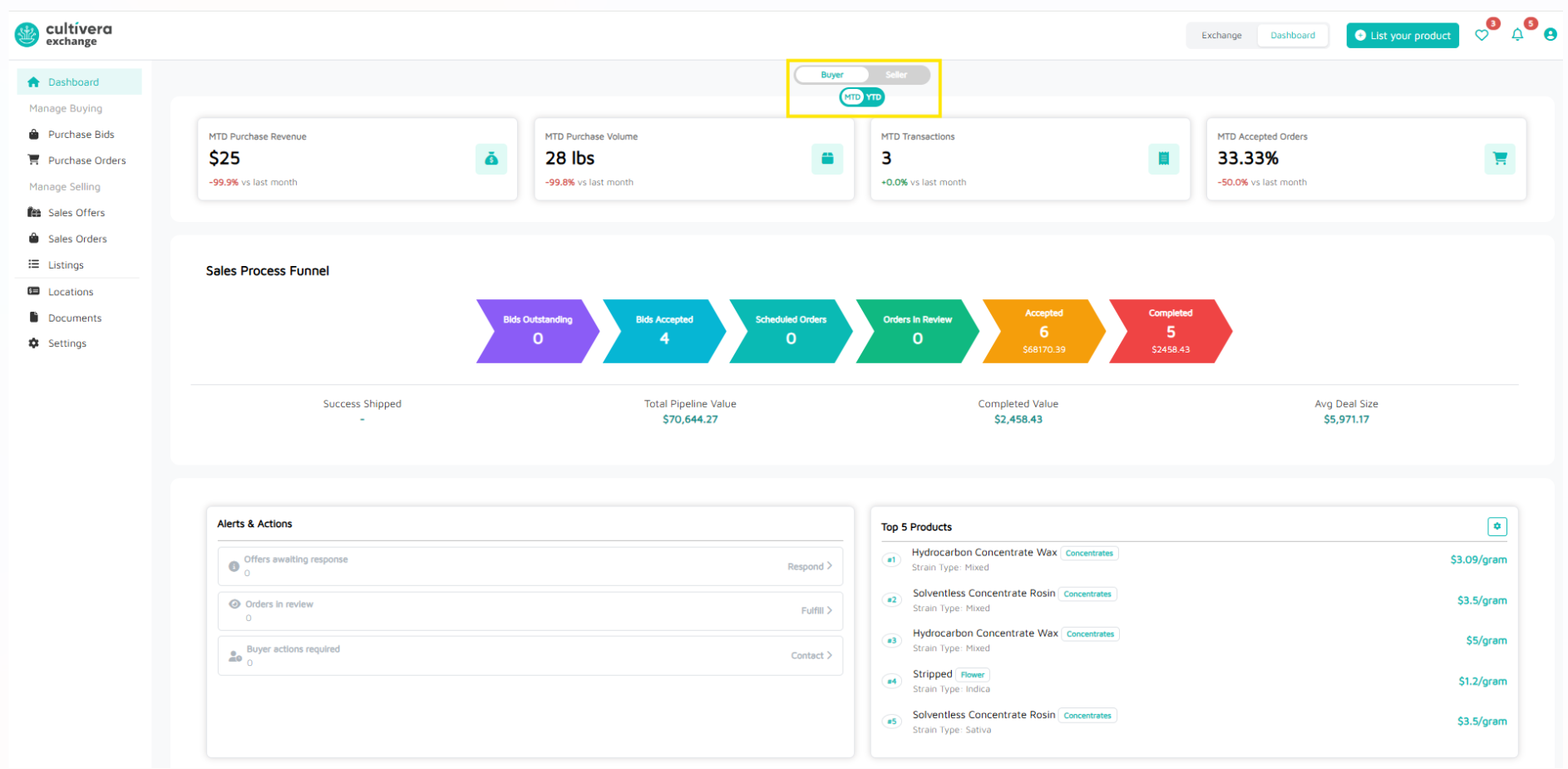
MTD Dashboard Value Breakdown:
- MTD Purchase Revenue - purchase revenue for the calendar month
- MTD Purchase Volume - purchase volume (in Lbs) for the calendar month
- MTD Transactions - number of transactions in the calendar month
- MTD Accepted Orders - number of orders accepted in the calendar month
YTD Dashboard Value Breakdown:
- YTD Purchase Revenue -purchase revenue for the year (starting Jan 1)
- YTD Purchase Volume - purchase volume (in Lbs) for the year (starting Jan 1)
- YTD Transactions - number of transactions in the year (start Jan 1)
- YTD Accepted Orders - number of orders accepted in the year (starting Jan 1)
Sale Funnel
- Bids Outstanding: Bids awaiting Seller approval.
- Bids Accepted: Bids approved by the Seller.
- Scheduled Orders: Orders ready for transit.
- Orders in Review: Orders flagged for administrative or compliance checks.
- Accepted: Orders confirmed by the seller.
- Completed: Successfully delivered and closed transactions.
Performance Metrics
Located directly below the Sales Funnel, these cards provide quick financial health checks:
- Success Shipped - The percentage of orders successfully delivered without being returned or canceled.
- Total Pipeline Value - The total market value of all active inventory currently listed on Cultivera Exchange.
- Completed Value - Total revenue generated from completed orders.
- Avg Deal Size - The average dollar amount per deal.
Alerts & Actions
Offers awaiting response: Any offers you've submitted that are awaiting seller response.
Orders in review: Any orders in review by the seller.
Buyer actions required: Required actions for buyers regarding order processing. Buyers must "Accept", "Reject", or "Send to QA" for all orders within 24 hours.
Top Picks
This section allows you to filter by Product Type. Once you select the intended product type and "apply", you'll see the top 5 products listed.
Clicking on the Product Name redirects you to the Listing Details page, where you can "Buy Now", "Submit Bid" (if applicable), or "Save to List" (to come back to it later).
