Cultivera Exchange (Buyer): Dashboard - Locations/Settings
 Updated
Dashboard - Locations and Settings
This guide provides an overview of the 'Locations' and 'Settings' sections within the Cultivera Exchange Dashboard.
Locations
This is where you can manage any/all locations associated with your Cultivera Exchange Buyer/Seller account.
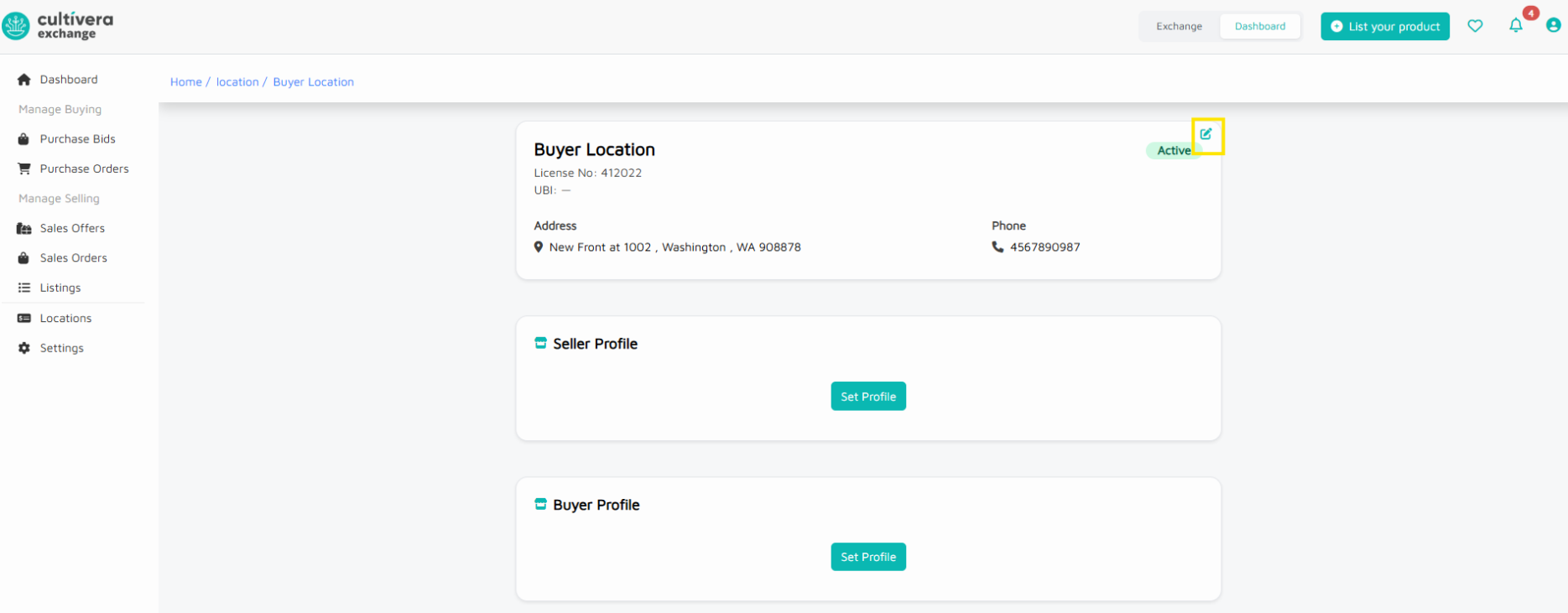
To edit the existing locations, click on the Location Name.
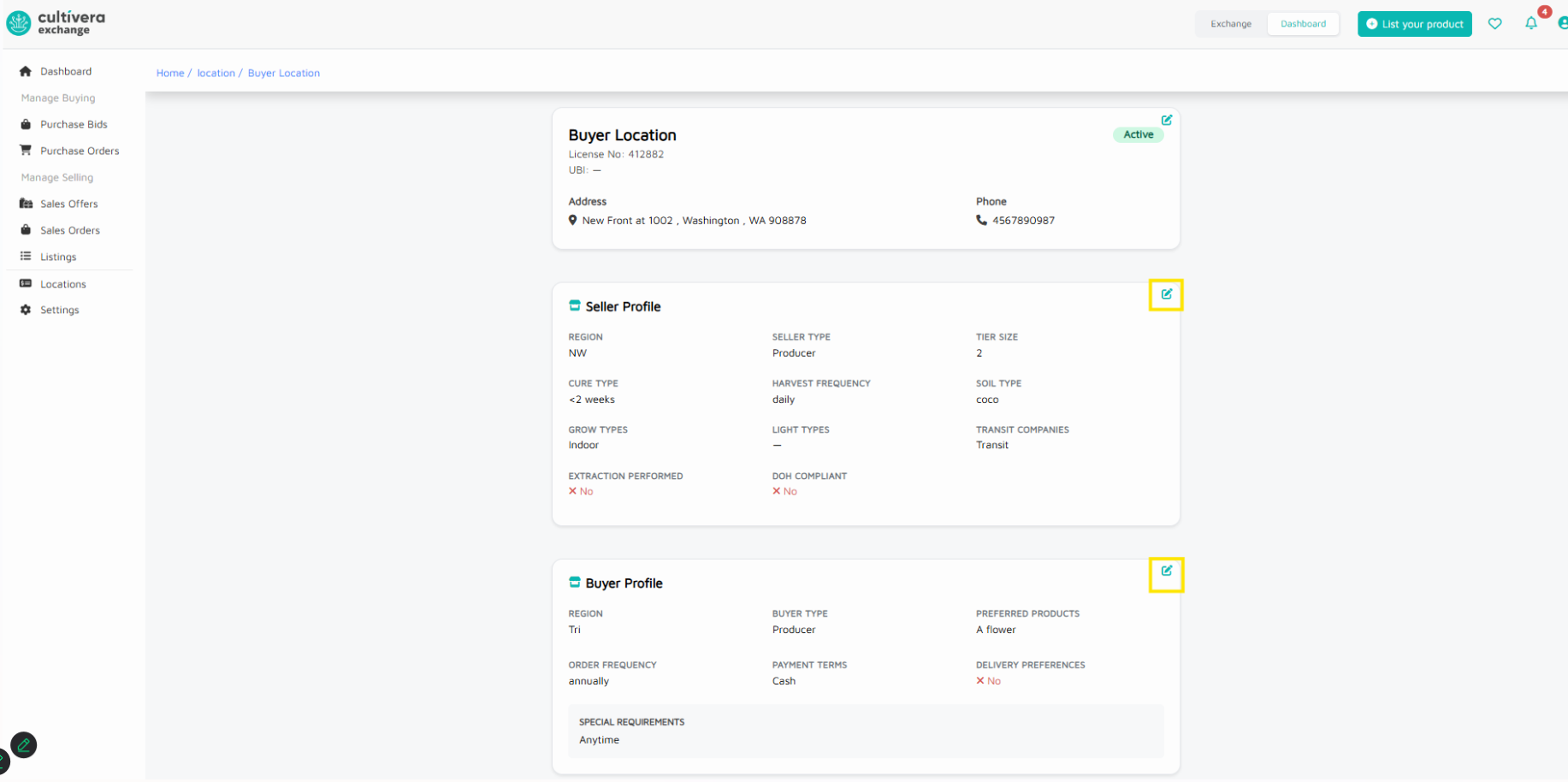
- Selecting the 'edit' tool in the main 'Location' section will allow you to update basic location details, such as Address and Phone#.
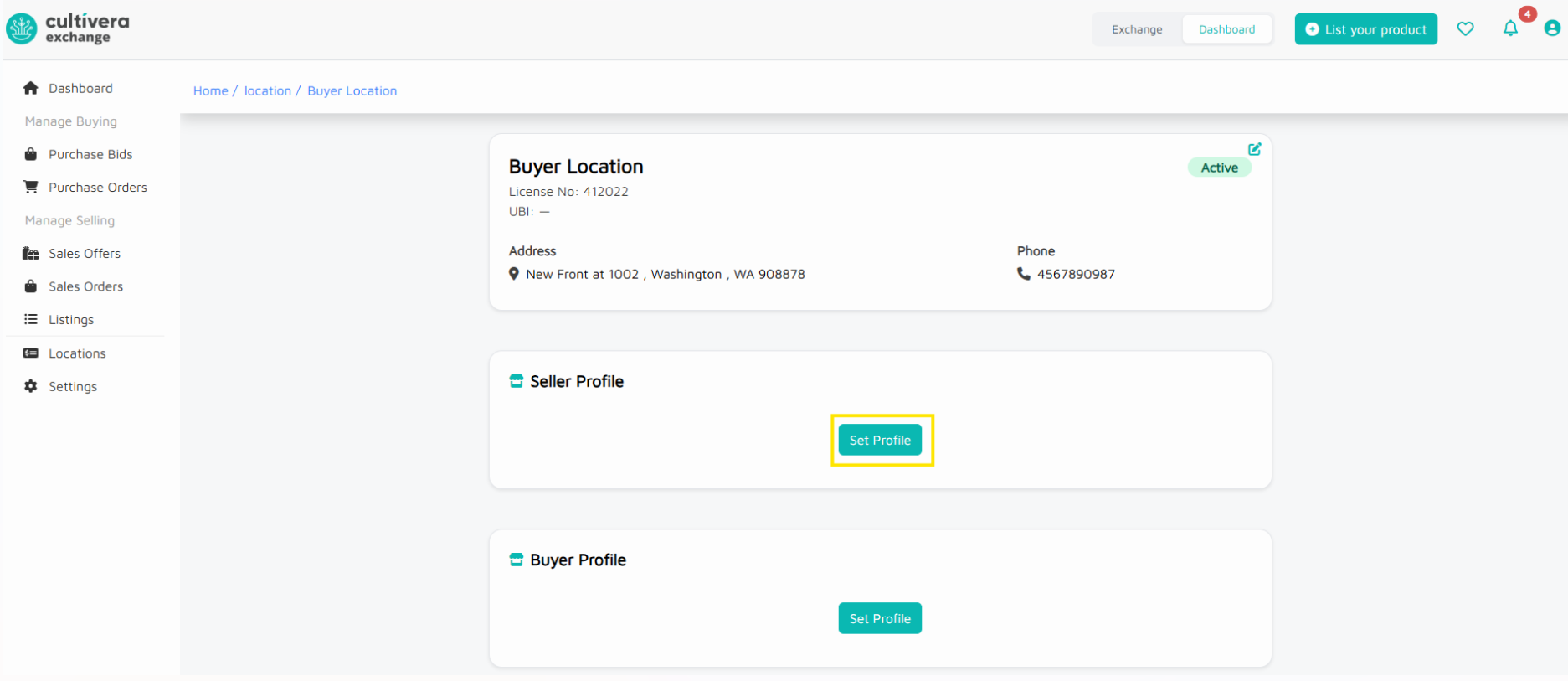
- Selecting the 'edit' tool in the 'Seller Profile' section will allow you to update seller details, such as Seller Type, Grow Types, Cure Type, etc.
- Selecting 'Set Profile' in the 'Buyer Profile' section will allow you to update your buyer details, such as primary delivery area, buyer type, order frequency, etc.
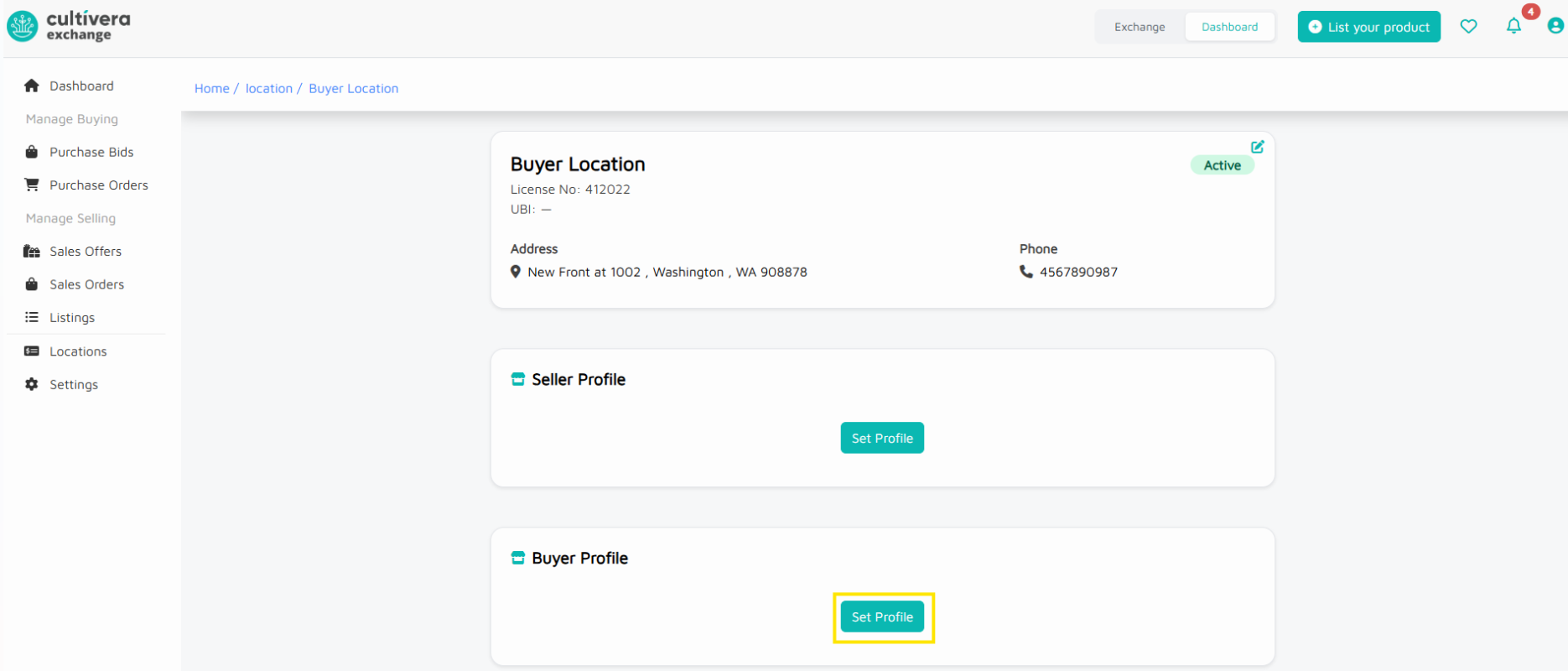
Once the 'Buyer Profile' and/or 'Seller Profile' details are set, you can select the edit tool in that section to update them accordingly (as seen in the screenshot below).
Settings
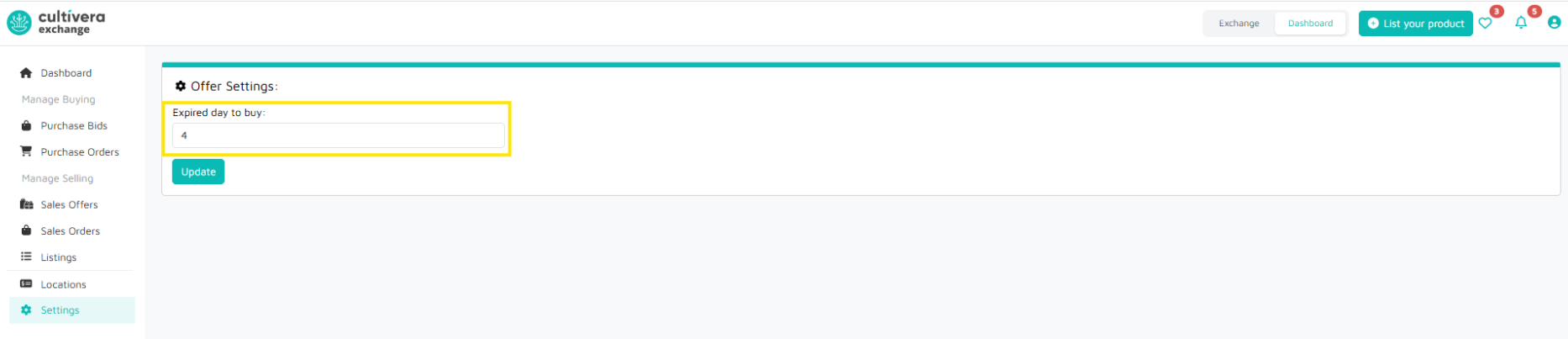
You can manage your Offer Settings here.
The "Expired day to buy" field allows buyers to set a specific timeframe for when their bid will expire.